About
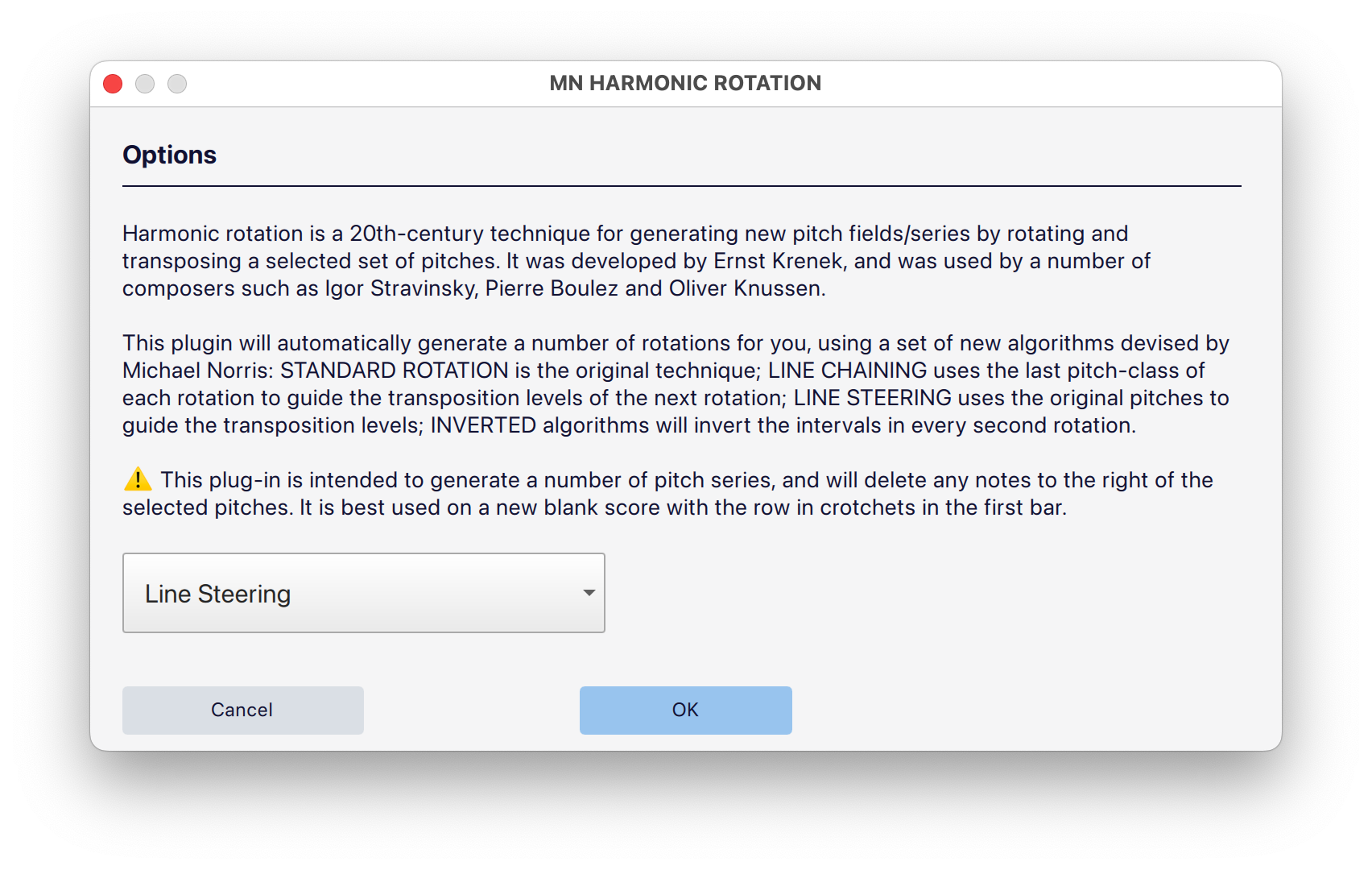
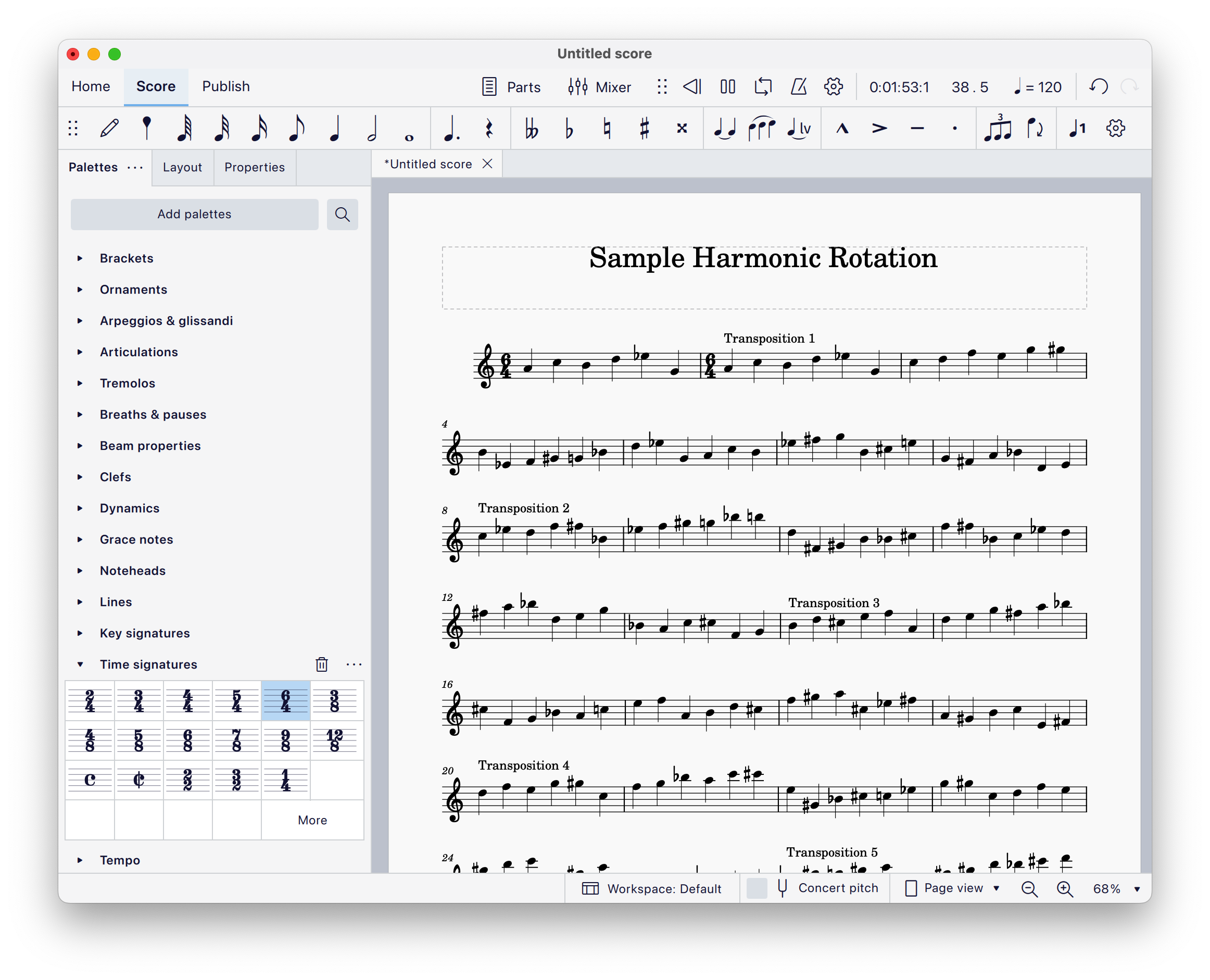
A suite of plug-ins for MuseScore and Sibelius that offer some interesting pitch-class set manipulation algorithms, including transposition & inversion by all 12 pitch-classes, and novel pitch rotation algorithms, inspired by the “rotation technique” of Krenek, Stravinsky, Knussen and Boulez.
Plugins included:
- Transpose and Invert to all 12 PC (called ‘Harmonic Pivoting’ on MuseScore plugins)
- Harmonic Rotation, including standard, chordal, and my novel algorithms: ’line steering’ and ’line chaining’
Step 1 — Download plugins
- Click on one of the links below, depending on whether you use MuseScore or Sibelius.:
Step 2 — Unzip the download
- Locate the downloaded ZIP file: if it didn’t automatically unzip (decompress), then you can double-click it to unzip.
- A normal folder will appear containing the plugin files and associated files and folders.
Step 3 — Install the plugins
The method you use to install the plugins depends on whether you are using MuseScore or Sibelius:
MuseScore
- Open MuseScore.
- Go to Plugins → Plugin Manager.
- Click Open Plugins Folder.
- Copy the plugin file(s) from the unzipped download folder into this Plugins folder.
- Return to MuseScore and click Reload Plugins (or restart MuseScore).
- Enable each of the plugins by ticking its checkbox in the Plugin Manager. The plugins will now be available from the Plugins menu.
Sibelius
- Open Sibelius.
- Go to File → Preferences → Plugins.
- Click Open Plugin Folder (or Reveal in Finder / Explorer).
- Open the folder called Plugins (and any relevant subfolder, if specified).
- Copy the plugin file(s) from the unzipped download folder into this Plugins folder.
- Restart Sibelius. The plugins should now appear in the ‘Review’ tab, under the Plugins button.
Troubleshooting tips
- Nothing appears? Make sure the file you copied is the actual plugin file (not the whole enclosing folder).
- Still not visible? Restart Sibelius or MuseScore — both applications only scan for plugins at launch.
- Mac security warning? If macOS blocks a file, go to System Settings → Privacy & Security and allow it.